Kyocera MA 4000WIFX User Guide
This black & white printer with touchscreen and Wi-Fi can copy, print, scan and fax. It's best for low-mid volume offices.
How to Unbox
This video will show you how to unpack your new ECOSYS PA4000WX printer safely.
How to Replace Toner
In this video, you will learn how to replace Kyocera genuine toner in your ECOSYS MA4000wifx printer.
How to Setup Wifi
This video will show you how to connect your ECOSYS MA4000wifx to a local Wi-Fi network from the printer.
How to Scan
In this video, you will learn how to use the Quickscan utility on your ECOSYS MA4000wifx with the Kyocera Quick Scan application.
How to Remove a Paper Jam
This video will show you how to remove a paper jam in your ECOSYS MA4000wifx printer in the paper cassette, MP tray, and other parts of the device.
Check out other models
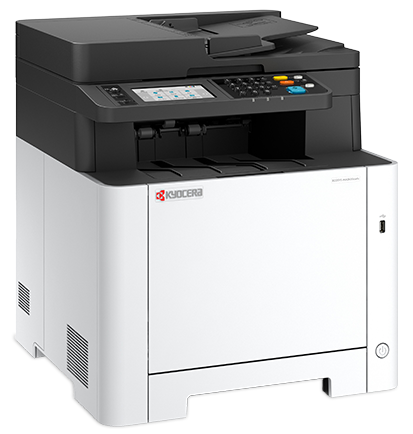
Kyocera MA 2600FX
A compact and efficient color all-in-one printer, specifically designed to handle low-to-mid volume color printing and scanning.
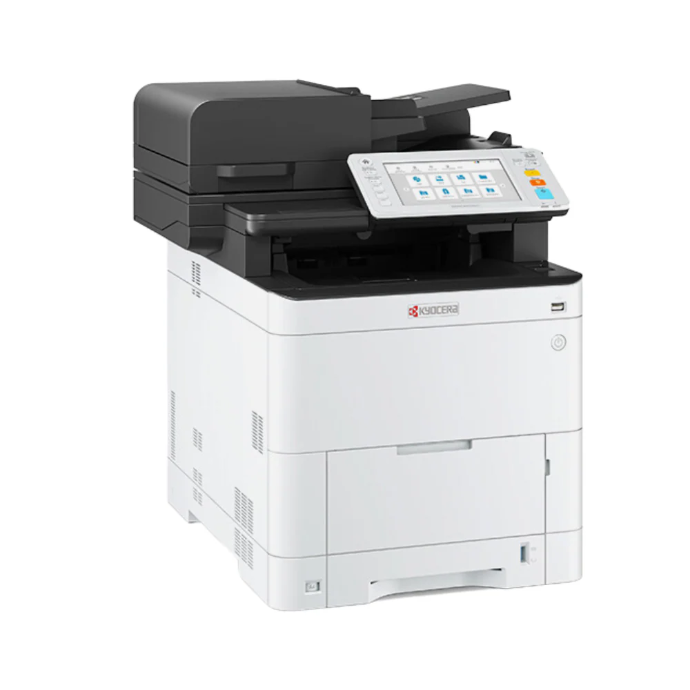
Kyocera MA 3500CIFX
A robust color multi-function device perfect for dietary departments, offering full scan/copy/fax capabilities with a user-friendly touchscreen interface.
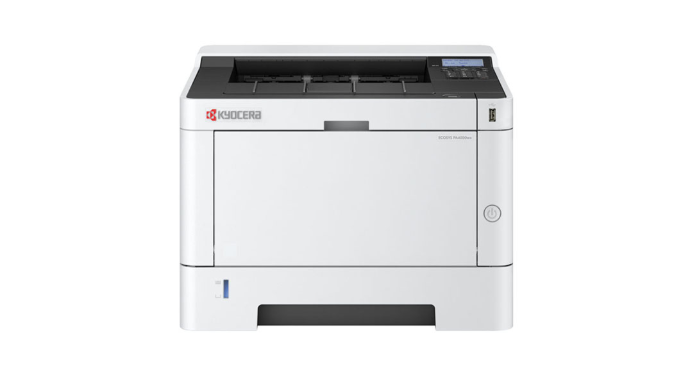
Kyocera PA 4000WX
A dedicated, high-speed black-and-white printer designed for reliable performance in EMAR emergency backups and onboarding stations.